A Weekly Sales Navigator Routine For CRM Tasks And Pipeline Tracking
· 4 min read
A weekly routine to turn Sales Navigator signals into CRM tasks, outreach templates, and attribution tags for pipeline tracking.
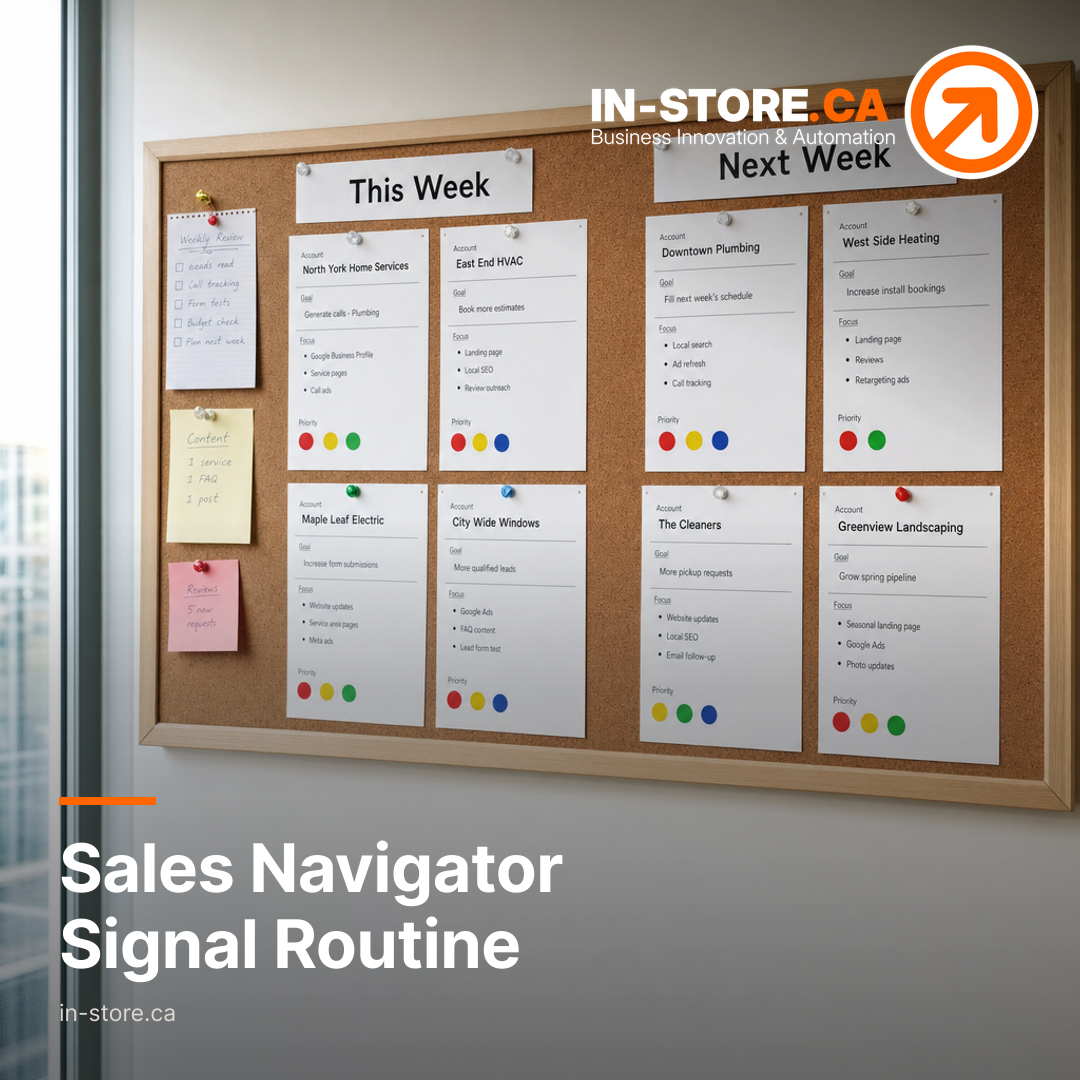
A Weekly Workflow For Turning Buying Signals Into CRM Tasks And Tracked Outreach
For small service businesses, the hardest part of outbound is rarely finding prospects. It is keeping follow up consistent, keeping messaging current, and proving which actions actually created pipeline.
A simple weekly routine can solve that by turning Sales Navigator signals into a short list of prioritized CRM tasks, a small set of outreach templates, and clear attribution tags, so every touch has an owner and every conversation can be tied back to a source inside your sales workflow.
Build A Weekly Signal Review Cadence
Start With A Single Owner And A Single Review Slot
Pick one person to run the weekly review and assign tasks, even if multiple people do outreach. Consistency matters more than volume because the goal is a stable handoff from signals to action.
During the session, focus on capturing three things for each signal you decide to pursue: the account, the contact, and the next action. Everything else belongs in notes, not in the task name.
Convert Each Signal Into A CRM Task Immediately
Signals are only useful if they create a next step inside the system your team uses to manage pipeline. The weekly review should finish with CRM tasks created and assigned, with due dates that match your capacity.
Keep task definitions tight and action based. A good task names the specific action to take and the channel you will use, so it can be completed without another internal meeting.
Standardize Outreach Templates Your Team Can Actually Use
Write Templates That Match The CRM Task Types
Templates work best when they correspond to the task types you create each week. When a task is created, the rep should already know which message to use, what proof point to include, and what the call to action is.
Keep the template library small enough that a rep can choose quickly. Store the templates where the team works, and name them by the scenario that triggered the task, not by a clever internal nickname.
Use A Two Step Sequence For Replies, Not A Long Script
Small teams often lose deals by over investing in the first message and under investing in follow up. A practical approach is to treat the first send as an opening and the second touch as the one that adds specificity, such as a clear question, a short offer to help, or a proposed time to talk.
This is where an AI assisted growth agency can help: turning the language your customers use into supervised, reusable templates that stay consistent across the team.
Add Attribution Tags So Signals Become Measurable
Define A Simple Tagging Convention
Decide on a short set of attribution tags that your team applies the same way every time. The point is to make reporting possible later without forcing reps to write essays in the CRM.
Keep the tag format stable across people and across weeks. When tags drift, pipeline reporting turns into guesswork and debates.
Tag At The Moment The Task Is Created
The best time to add attribution is when you create the CRM task from the Sales Navigator review. That is when the signal and its context are fresh, and it ensures every downstream activity can be tied back to the same origin.
A non obvious benefit is operational. When attribution is set at task creation, managers can later scan what the team acted on and what they ignored, without needing to reconstruct intent.
A Simple Weekly Checklist For Lean Teams
Use this checklist to run the same play every week:
- Collect Sales Navigator signals you plan to act on.
- For each signal, create a CRM task with an owner and due date.
- Select the matching outreach template and personalize only the parts that need human judgment.
- Apply your attribution tag at task creation so tracking is consistent.
- Review last week’s tasks quickly: completed, stalled, and moved to an active opportunity.
If you want this to run as a system, connect it to the rest of your demand generation. Audience research shapes who you target, lead generation systems define where tasks live and how follow up is triggered, and ongoing content gives reps useful proof points to send.
Sales Navigator signals can support pipeline only when they are translated into tasks, messages, and tracking that survive a busy week. A weekly routine makes that translation repeatable.
If you want help setting up the workflow end to end, including intake, audience research, outreach templates, and lead capture tracking, start with IN-STORE’s Lead Generation Systems And Sales Workflow Support.
Start a Lead Generation Systems engagement with IN-STORE
Source: LinkedIn Sales Navigator